Simplenote webapp on Chrome doesn’t load
-
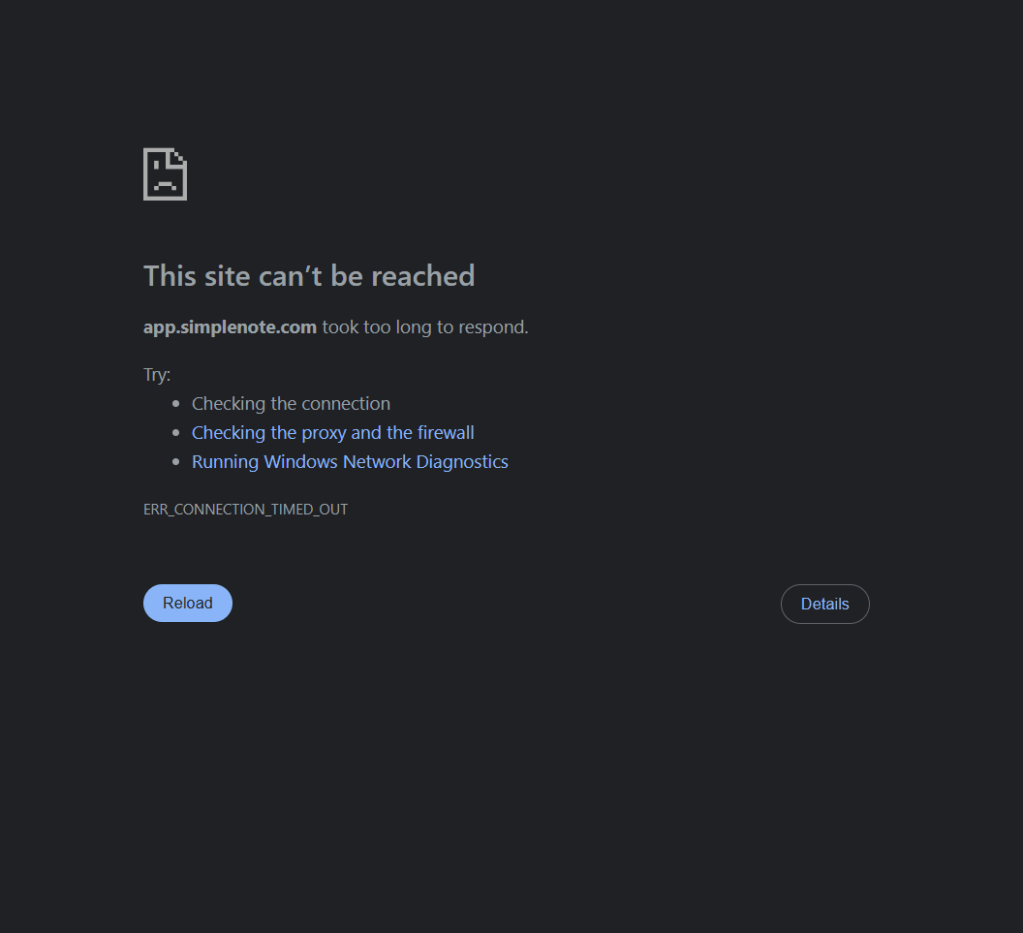
When I try to click “Login” on the website or go to app.simplenote.com, I get the following screen
-
-
I don’t have an ad blocker. Firewall isn’t blocking it. Not using private browsing.
I can also access simplenote.com just fine.
-
Hi @joshchough,
There could be a couple of reasons why you’re seeing this error message:
- Outdated cache or cookies in your Chrome browser might be interfering with the loading.
- In some cases, unstable internet connectivity can cause website loading issues.
Here are a few steps you can try to troubleshoot the issue:
- Try clearing your Chrome browser’s cache and cookies. This can often resolve issues caused by outdated data.
- Open Chrome in incognito or private browsing mode and try logging in again. This can help determine if browser extensions are causing conflicts.
- Restart Chrome and computer
- Ensure you have a stable internet connection.
-
- I have cleared my browser’s cache and cookies but it still failed.
- I tried in private browsing but it still failed.
- I restarted Chrome and computer but it still failed.
- All other websites are working so internet connection is not the issue.
-
Could you try another browser, to make sure it’s not Chrome-specific?
Are you seeing captchas when trying to login? Are they causing a problem, like multiple cases being presented?
Have you recently changed your Simplenote password?
-
It also does not work through Edge. I am able to use the Simplenote iOS app though.
No captchas.
I haven’t changed my password.
-
Are you able to accessing the Simplenote web app from another network — such as a wired network or another Wi-Fi network? This will help determine whether there could be a network-specific issue.
Also, do you use any custom DNS settings on your computer? If so, you may want to consider disabling that as well to see if there could be a DNS-specific issue.


 Simplenote Support Forums